
Protecting Your Camera From Dust on Safari
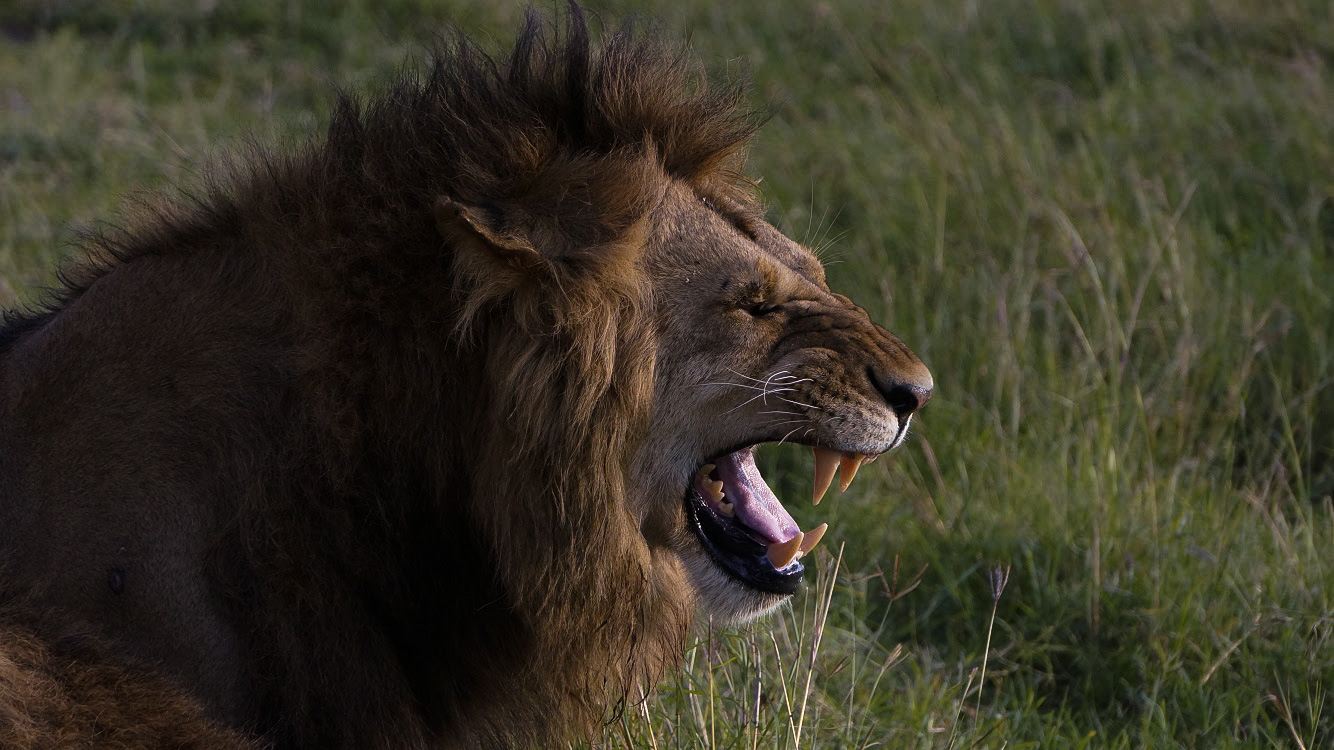
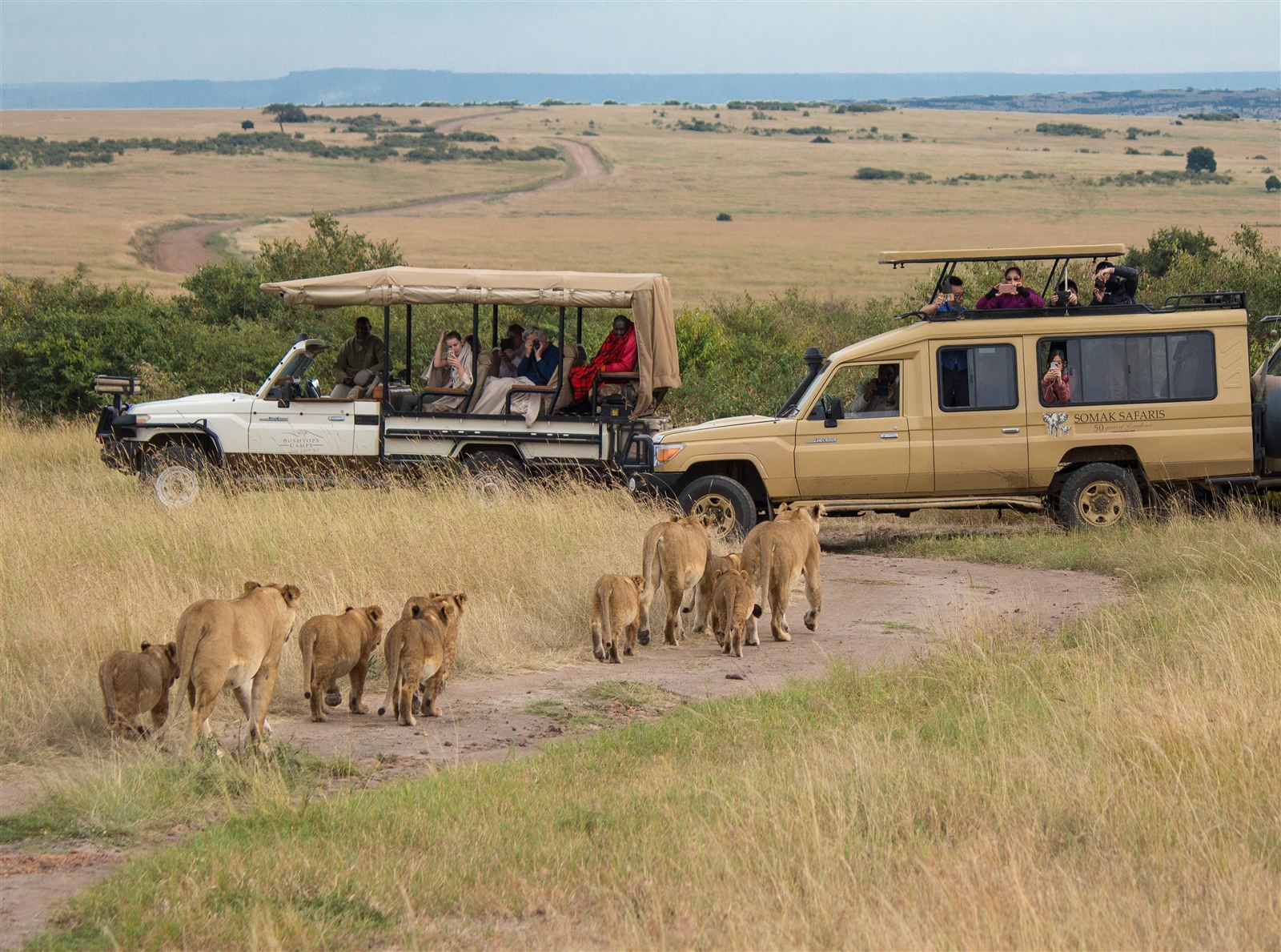
An African safari offers excellent photography opportunities, whether you are capturing lions in the Serengeti, elephants in Murchison Falls National Park or giraffes grazing across the Maasai Mara. However, dusty roads and dry weather can create problems for your photography equipment.
Understanding how to protect your camera from dust on safari is important if you want to keep your camera, lenses and accessories working properly throughout your journey.
Dust can settle on camera bodies, enter poorly sealed openings and become trapped on lenses or image sensors. Repeated exposure may affect image quality and contribute to equipment problems.
Fortunately, you can reduce these risks with simple precautions.
Why Is Dust a Problem During African Safaris?
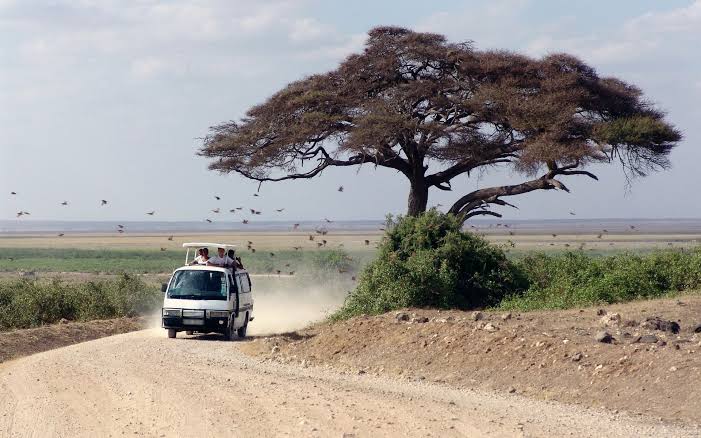
Many African national parks have unpaved roads that become dusty during dry weather.
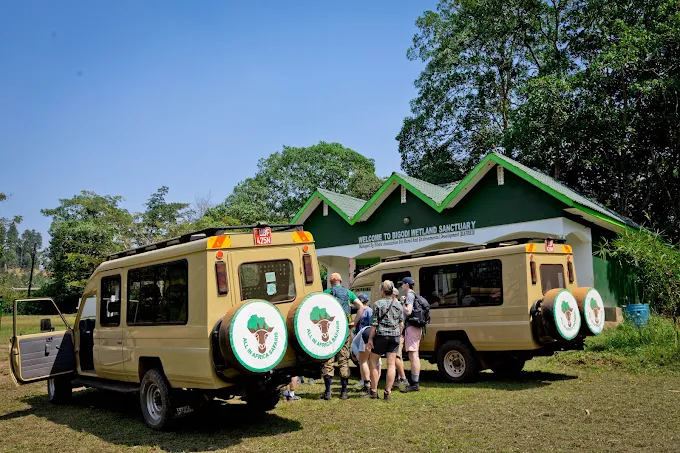
Safari vehicles travelling along these roads can create clouds of fine dust, particularly when several vehicles use the same route.
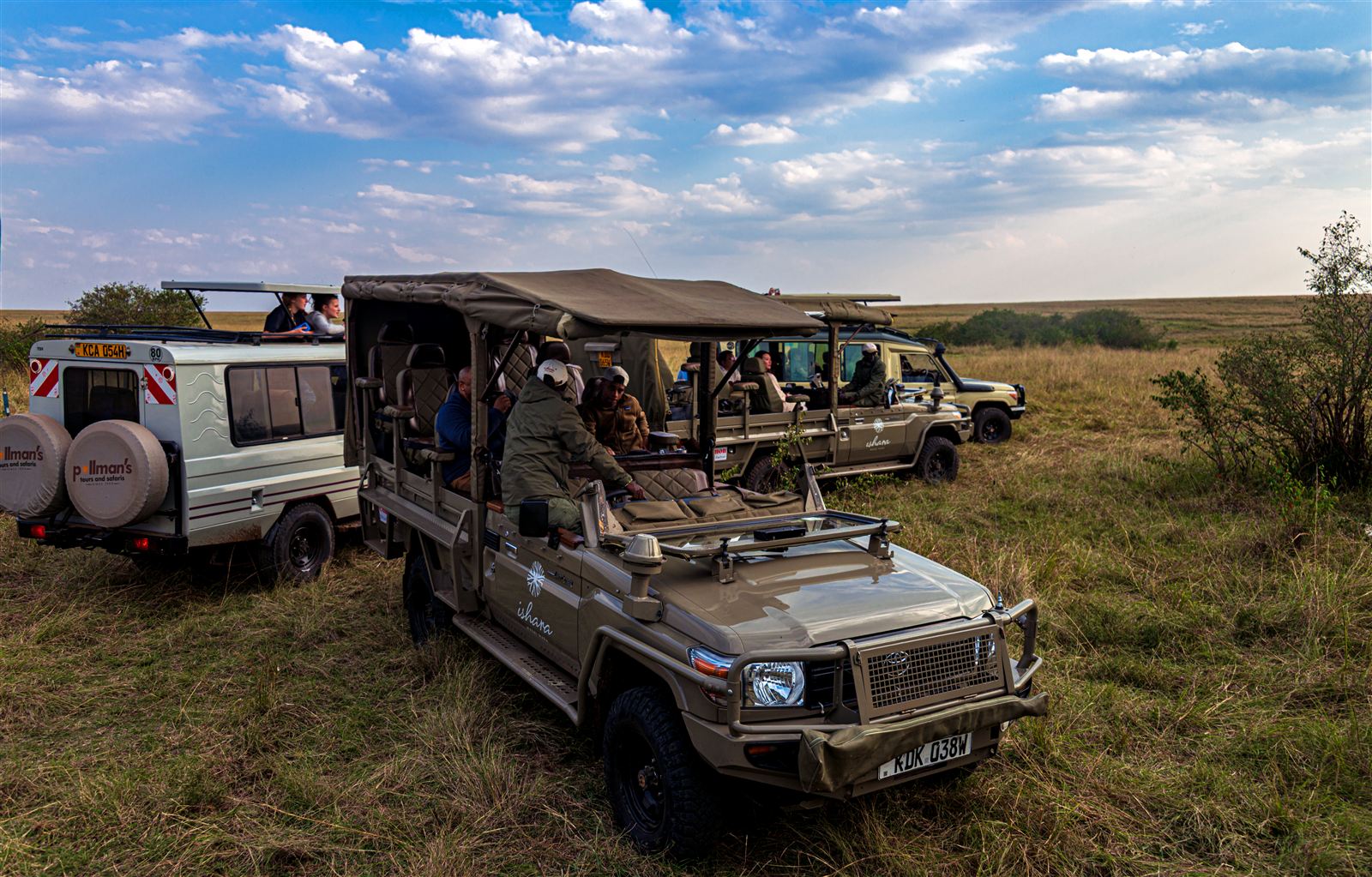
Dust can enter open vehicles and settle on exposed equipment.
Common photography problems include:
-
Dust collecting on camera lenses.
-
Particles entering the camera during lens changes.
-
Dirt gathering around buttons and controls.
-
Reduced image clarity from dirty glass.
-
Dust appearing as spots in photographs.
-
Abrasive particles scratching surfaces during improper cleaning.
Fine dust can also collect around memory card compartments, battery covers and lens mounts.
Although modern cameras often have protective seals, no camera should be assumed completely dustproof.
1. Use a Protective Camera Bag
A suitable camera bag is one of the most useful accessories for safari photography.
Choose a bag that closes securely and provides enough padding for your equipment.
A camera backpack with adjustable compartments can protect your camera body, lenses and accessories from ordinary knocks.
Look for:
-
Secure zips.
-
Padded compartments.
-
A fitted rain or dust cover.
-
Durable outer material.
-
Comfortable carrying straps.
-
Separate storage for cleaning equipment.
Keep your camera bag closed whenever you are not accessing equipment.
Avoid leaving it open on the vehicle floor, where dust can collect quickly.
Should You Use a Waterproof Camera Bag?
A waterproof or weather-resistant bag can provide additional protection against rain and dust.
However, waterproof materials do not guarantee protection when compartments remain open.
Always close the bag properly before travelling along dusty roads.
2. Keep Your Camera Covered During Game Drives
Game drives often involve long periods of travelling between wildlife sightings.
During these journeys, your camera may be exposed to dust entering through open windows or the vehicle’s roof.
Use a protective camera cover when you are not taking photographs.
A fitted cover can reduce dust settling directly on the camera body.
If you expect heavy dust, place the camera inside its bag between sightings.
Avoid wrapping equipment tightly in materials that trap moisture.
When using a temporary cover, ensure that it does not interfere with camera ventilation or controls.
3. Avoid Changing Lenses in Dusty Conditions
Changing lenses is one of the main opportunities for dust to enter an interchangeable-lens camera.
When you remove a lens, the camera’s internal components become exposed.
Fine dust may enter the camera body and settle on the image sensor.
How to Change Camera Lenses Safely
Follow these steps:
-
Move away from blowing dust.
-
Turn off your camera.
-
Prepare the replacement lens before removing the current one.
-
Keep the camera opening facing downwards where practical.
-
Remove the existing lens carefully.
-
Attach the replacement immediately.
-
Secure the unused lens with its rear cap.
Avoid placing lenses directly on vehicle seats or dusty surfaces.
If possible, change lenses inside a clean, stationary vehicle or accommodation room.
Never change lenses while leaning through an open safari vehicle window on a dusty road.
4. Consider Using a Zoom Lens
A versatile zoom lens can reduce the need for frequent lens changes.
For example, a 100–400 mm or 150–600 mm lens may allow you to photograph wildlife at different distances.
You can photograph a distant lion and then adjust the focal length when an elephant approaches.
This reduces the need to expose the camera’s sensor during your game drive.
However, large zoom lenses can be heavy.
Choose equipment that suits your camera, budget and physical comfort.
A second camera body is another option for serious photographers who want different lenses available without frequent changes.
5. Use a Lens Hood
A lens hood provides some physical protection for the front of your lens.
It can help reduce direct contact with branches, accidental fingerprints and some airborne particles.
However, a lens hood does not seal the lens against dust.
Keep the lens cap fitted when you are not photographing wildlife.
Do not rely on a lens hood as your only protective measure.
6. Clean Your Camera Lens Correctly
Dust can settle on the front lens element during game drives.
Removing it incorrectly may scratch the glass or damage lens coatings.
Avoid rubbing a dusty lens immediately with a dry cloth.
Small sand particles can be abrasive.
Safe Lens Cleaning Steps
-
Hold the camera securely.
-
Use a clean hand-operated air blower to remove loose particles.
-
Inspect the lens surface.
-
Use a suitable soft lens brush if necessary.
-
Apply approved lens-cleaning fluid to a clean lens cloth.
-
Wipe gently without excessive pressure.
Never spray cleaning liquid directly into openings around the lens.
Avoid using clothing, tissues or rough towels.
These materials may contain particles that scratch the lens surface.
7. Carry a Camera Cleaning Kit
A small cleaning kit is useful during African wildlife safaris.
Your kit should include equipment designed specifically for photographic lenses and cameras.
| Cleaning Item | Main Purpose |
|---|---|
| Hand-operated air blower | Removes loose dust |
| Microfibre cloth | Cleans lens surfaces |
| Soft lens brush | Removes remaining particles |
| Lens-cleaning solution | Removes fingerprints and marks |
| Protective lens pouch | Stores accessories safely |
| Sensor-cleaning supplies | For appropriate sensor maintenance |
| Small sealed bag | Keeps cleaning items protected |
Keep the cleaning kit inside a closed compartment.
Dirty cleaning cloths can cause damage, so replace or wash them according to the manufacturer’s instructions.
8. Protect Your Camera Sensor
Dust on the image sensor can appear as dark spots in photographs.
These marks may become particularly noticeable when photographing bright skies or using narrow apertures.
Many modern cameras include automatic sensor-cleaning functions.
Check your camera settings to determine whether this feature is available.
If you suspect sensor dust, inspect photographs taken against an evenly lit background.
Avoid touching the sensor with ordinary cleaning materials.
Should You Clean the Sensor Yourself?
Sensor cleaning requires care.
If you are unfamiliar with the procedure, consider using a professional camera technician.
Improper cleaning can damage delicate components.
Only use sensor-cleaning products designed for your specific camera system.
Follow the manufacturer’s instructions carefully.
9. Protect Cameras From Dust Inside Safari Vehicles
Safari vehicles provide convenient viewing positions, but dust can enter through open windows and roof openings.
When travelling between wildlife sightings, keep your camera protected.
Avoid placing equipment on the vehicle floor.
Dust often collects around footwear, bags and lower surfaces.
Instead, store your camera inside a padded bag or another secure compartment.
When photographing through an open roof, hold the camera securely.
Do not place your equipment on an unstable surface.
If your guide expects a particularly dusty section, put your camera away before the vehicle begins moving.
10. Use Rain Covers During Dry and Wet Seasons
Camera rain covers are useful throughout the year.
Although designed mainly to protect against rain, suitable covers can also reduce dust exposure.
During Uganda’s rainy periods, you may encounter sudden showers while photographing wildlife.
During dry months, dust may become the main concern.
Choose a cover compatible with your camera and lens.
Make sure it allows comfortable access to essential controls.
After use, remove the cover in a clean environment and allow any trapped moisture to dry.
11. Protect Your Camera During Gorilla Trekking
Gorilla trekking in Bwindi Impenetrable National Park and Mgahinga Gorilla National Park presents different challenges from open savannah photography.
Instead of large dust clouds, photographers may encounter mud, rain, humidity and wet vegetation.
Carry your camera in a protective bag while walking.
Use a suitable rain cover when necessary.
Avoid placing equipment directly on muddy ground.
Keep cleaning materials protected from moisture.
When photographing gorillas, follow all ranger instructions and applicable photography regulations.
Do not use flash photography during gorilla trekking.
12. Store Your Camera Properly at Safari Lodges
Your accommodation provides an opportunity to inspect and clean equipment.
After returning from a game drive, choose a clean, dry location.
Remove loose dust from the camera exterior before opening compartments.
Check your lenses and accessories for dirt.
If your equipment is wet, allow it to dry appropriately before placing it into long-term storage.
Avoid leaving cameras in direct sunlight or inside extremely hot vehicles.
High temperatures can damage batteries and electronic components.
Store batteries, memory cards and lenses securely.
13. Protect Memory Cards and Batteries
Camera accessories also require protection.
Dust entering memory card slots or battery compartments may interfere with electrical contacts.
Keep spare memory cards in protective cases.
Avoid touching exposed contacts.
When changing batteries, make sure your hands are clean and dry.
Close compartment doors securely after replacing accessories.
Never leave spare batteries loose where their terminals may contact metal objects.
14. Common Camera Protection Mistakes
Some cleaning habits can damage photography equipment.
Avoid the following mistakes:
Blowing directly onto the sensor: Your breath contains moisture and may introduce additional contamination.
Using compressed-air cans: These may release propellant or apply excessive pressure to delicate components.
Wiping dusty lenses aggressively: Abrasive particles can scratch glass or coatings.
Leaving camera bags open: Dust can collect inside compartments.
Changing lenses unnecessarily: Each change creates another opportunity for contamination.
Ignoring wet equipment: Trapped moisture may encourage corrosion or fungal growth.
Taking a few minutes to protect equipment can reduce the risk of expensive repairs.
15. Camera Protection Checklist for Safari
Before beginning your wildlife drive, check that you have:
-
A padded camera bag.
-
Lens caps.
-
A suitable lens hood.
-
A protective camera cover.
-
A clean microfibre cloth.
-
A hand-operated air blower.
-
Spare batteries.
-
Protected memory cards.
-
A suitable rain cover.
-
A secure camera strap.
Check your equipment before leaving your accommodation.
Confirm that batteries are charged and memory cards have sufficient storage.
This reduces the need to open compartments unnecessarily during the game drive.
Frequently Asked Questions
Can Safari Dust Damage a Camera?
Yes. Dust may affect moving components, controls and image quality. Abrasive particles can also cause scratches during improper cleaning.
Are Weather-Sealed Cameras Dustproof?
No. Weather sealing provides protection under certain conditions but does not guarantee complete resistance to fine dust.
Should I Use a UV Filter on Safari?
A suitable protective filter can protect the front lens element from direct contact and dirt. However, filter quality matters, and additional glass may affect image quality in some conditions.
Can I Change Lenses During a Game Drive?
Yes, but avoid doing so when dust is blowing. Wait until the vehicle is stationary and the surrounding air is relatively clean.
How Often Should I Clean My Camera?
Inspect your equipment after dusty activities. Clean only when necessary and avoid unnecessary contact with delicate surfaces.
Protecting your camera from dust on safari helps maintain image quality and reduces the risk of equipment problems.
Use a secure camera bag, minimise lens changes and keep your equipment covered during dusty journeys.
Clean lenses carefully and avoid exposing the camera’s internal components unnecessarily.
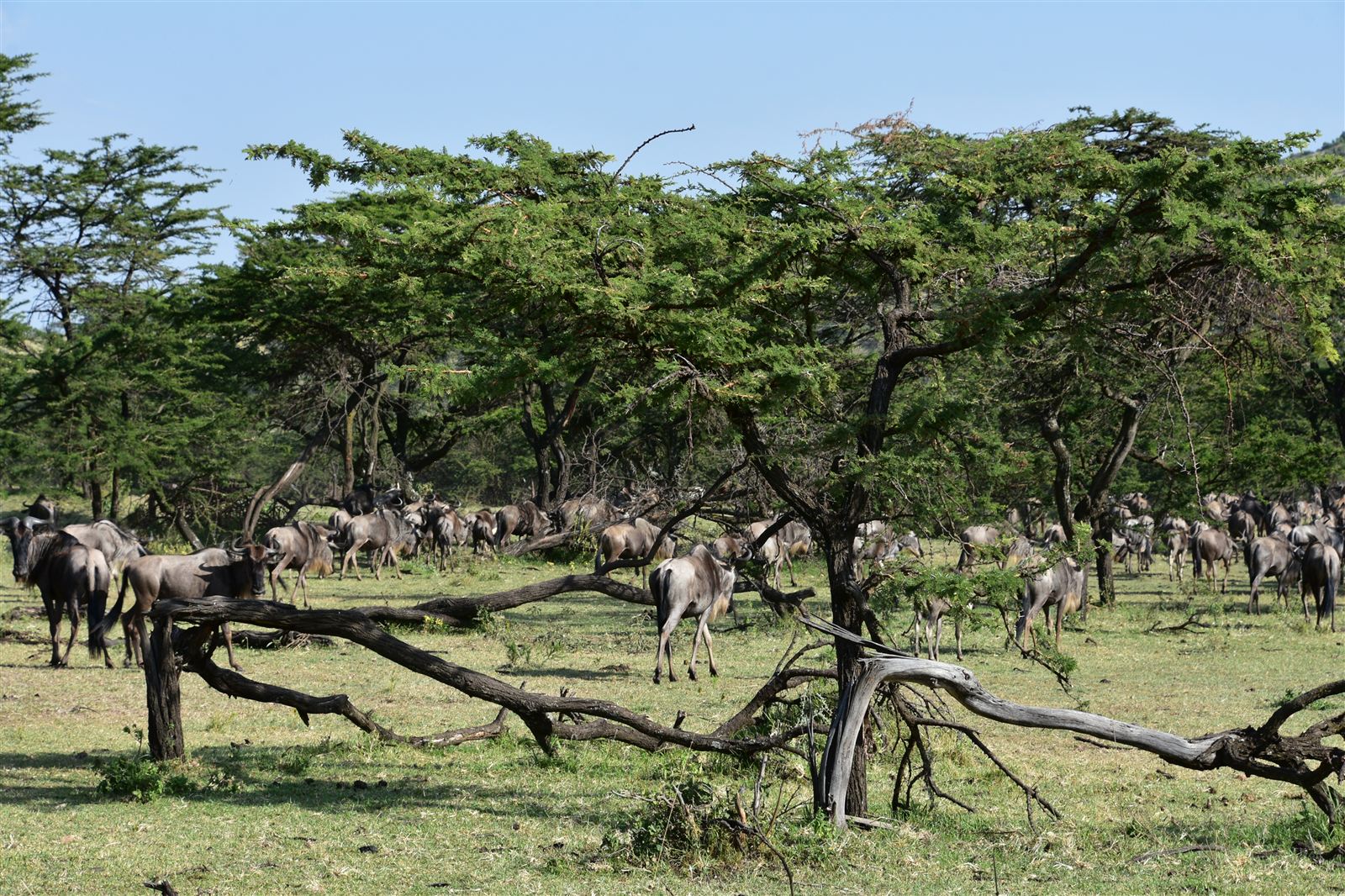
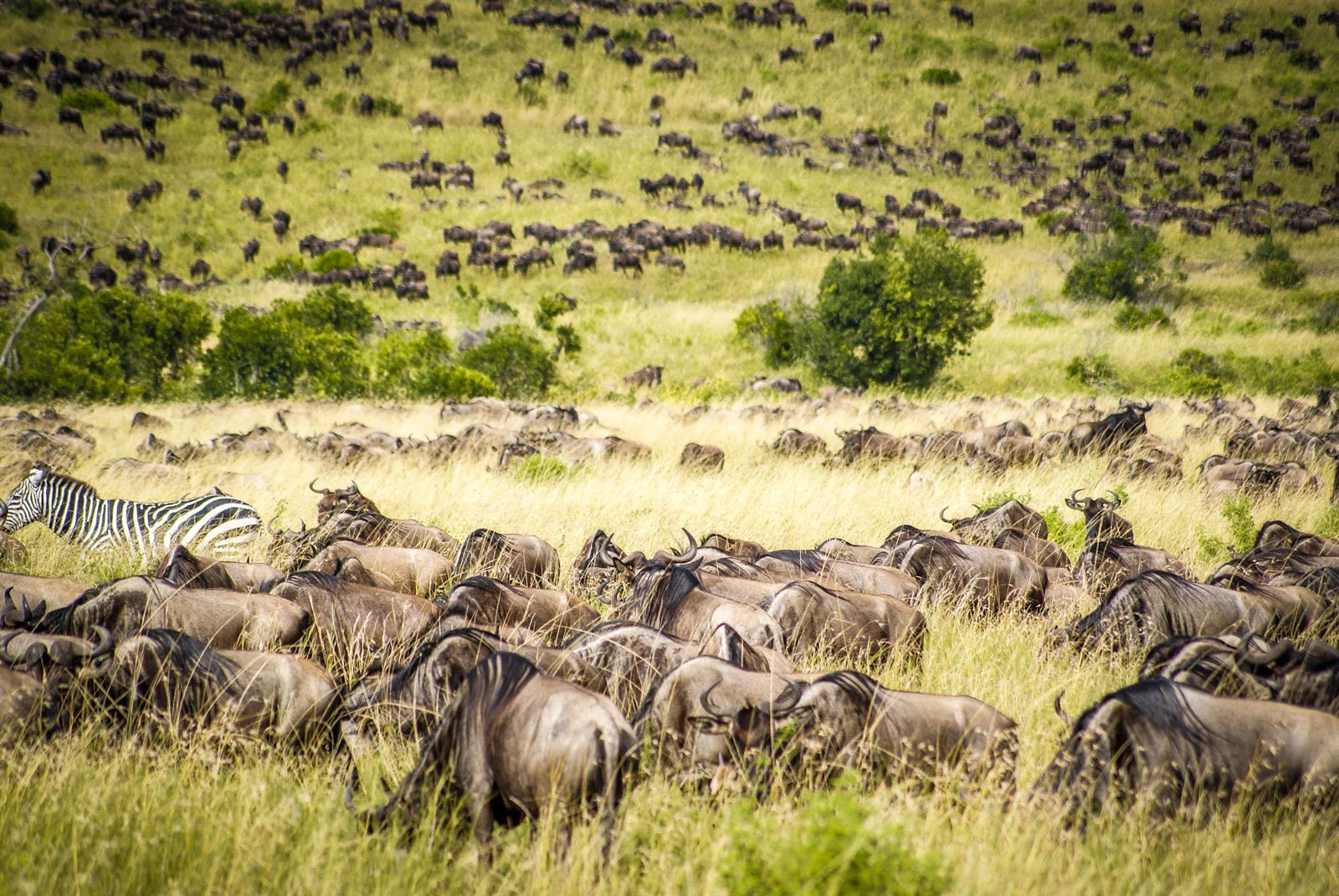
Whether you are photographing elephants in Uganda, lions in Kenya or migrating wildebeest in Tanzania, proper equipment care allows you to concentrate on capturing wildlife moments.
A few practical precautions can keep your camera ready throughout your African safari.